
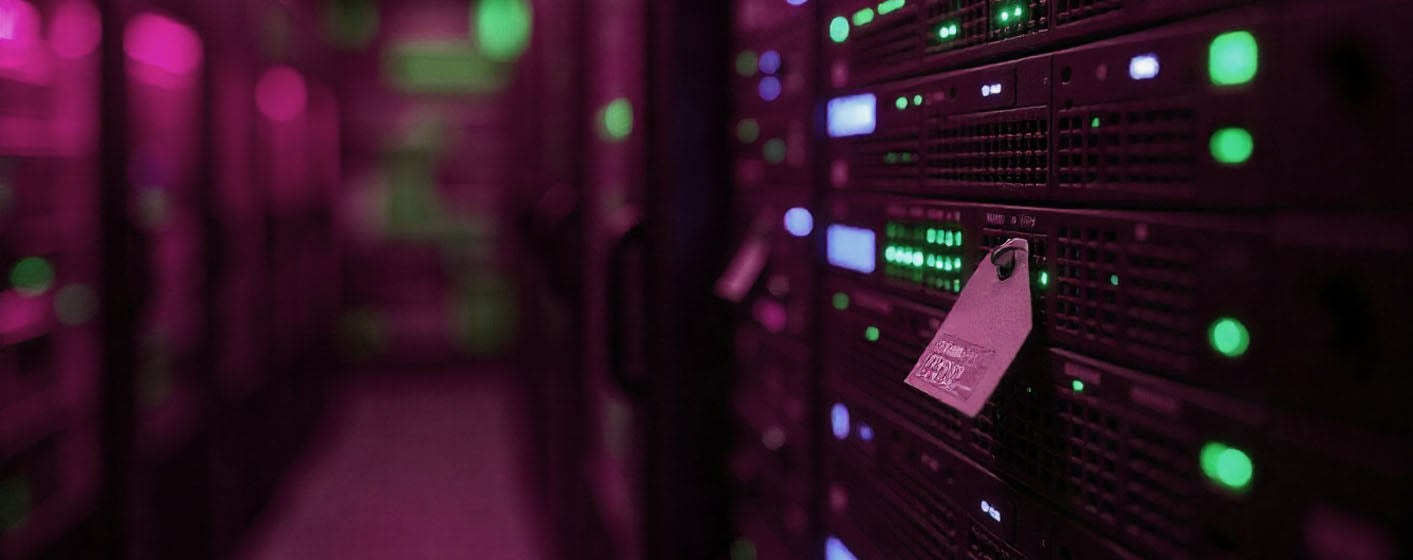
Every device, account, and system a business uses, from computers and routers to cloud services and VOIP, is part of the IT asset base. Proper management of these assets is critical to keeping operations secure, efficient, and resilient. Neglecting them can lead to costly downtime, security breaches, and operational inefficiencies that affect both the team and clients.
The Importance of IT Asset Management
IT assets form the foundation of daily operations. Without proper tracking and maintenance:
-
Software may become outdated and vulnerable to cyber threats – Hackers often target unpatched systems, making outdated software a serious risk.
-
Devices can become inefficient or fail unexpectedly – Aging hardware can slow down workflows and lead to unexpected downtime.
-
User accounts might remain active long after employees leave – This can create unauthorized access points.
-
Critical credentials can be lost or misused – Lost logins or weak password practices can allow security incidents.
Effective IT asset management ensures that every device, account, and system is accounted for, up to date, and protected. This reduces risk, improves performance, and allows the team to focus on business priorities instead of firefighting IT issues.
Example: Losing Access to a VOIP Account
Consider a VOIP system, the lifeline of communication within an organization and with clients. If VOIP credentials are lost or compromised:
-
Communication stops – Employees cannot make or receive calls, affecting customer service and internal coordination.
-
Financial loss – Hackers could exploit the account for fraudulent calls, generating unexpected charges.
-
Reputation damage – Clients may experience downtime or fraudulent interactions, undermining trust.
-
Data exposure – Call histories, contact information, and sensitive client details could be accessed by unauthorized parties.
Even a single compromised account can disrupt operations instantly. This example highlights why IT asset management is not just administrative. It is essential for business continuity.
Best Practices to Protect IT Assets
-
Maintain an updated inventory – Track all devices, software, and user accounts, including cloud services and third party platforms.
-
Use strong, unique passwords – Regularly update them to reduce the risk of unauthorized access.
-
Enable multi factor authentication (MFA) – Protect key systems with an extra layer of security.
-
Deactivate old accounts promptly – Prevent access by former employees or inactive users.
-
Regularly review access permissions and logs – Monitor activity to detect anomalies or potential breaches early.
- Schedule routine audits and updates – Ensure devices and software remain supported and compliant with security standards.
Bottom Line
IT asset management is more than tracking hardware and software. It is about protecting the continuity and integrity of business operations. A single unmanaged account, like a VOIP login, can create cascading issues that affect productivity, security, and reputation.
CastleUp Digital Solutions
We help businesses stay organized, secure, and connected.
Share:
Why Traditional Posters Still Dominate — and Why Digital Displays Are Slower to Grow in Canada